When a call goes unanswered, most businesses rely on voicemail and hope the caller leaves a message. Most don’t. Missed call text back fixes that by sending an automatic text message, within seconds, to anyone whose call you couldn’t pick up. The conversation keeps going by text instead of ending at the voicemail beep.
This guide explains what missed call text back is, how it works behind the scenes, what you need to set it up, example messages you can adapt, and the rules to follow. If you run a trade business, our guide for contractors has trade-specific scripts too.
What is missed call text back?
It’s a simple automation: when someone calls your business number and nobody answers, the system detects the missed call and sends that caller a text message from the same number. For example:
“Hi, it’s the team at Bright Smile Dental. Sorry we couldn’t pick up just now. How can we help? You can reply here or book a time: [link]”
The caller now has a quick, easy way to carry on: reply by text, book online, or wait for a callback knowing they’ve been heard.
Why it works
- It’s instant. The text arrives while the caller still has their phone in their hand.
- Texting is easier than calling back. Many people, especially at work, would rather reply to a text than make another call.
- It shows you’re responsive. Even if nobody could answer, the customer gets the sense that your business is on top of things.
- It stops them calling the next business, or at least gives you a fair chance before they do.
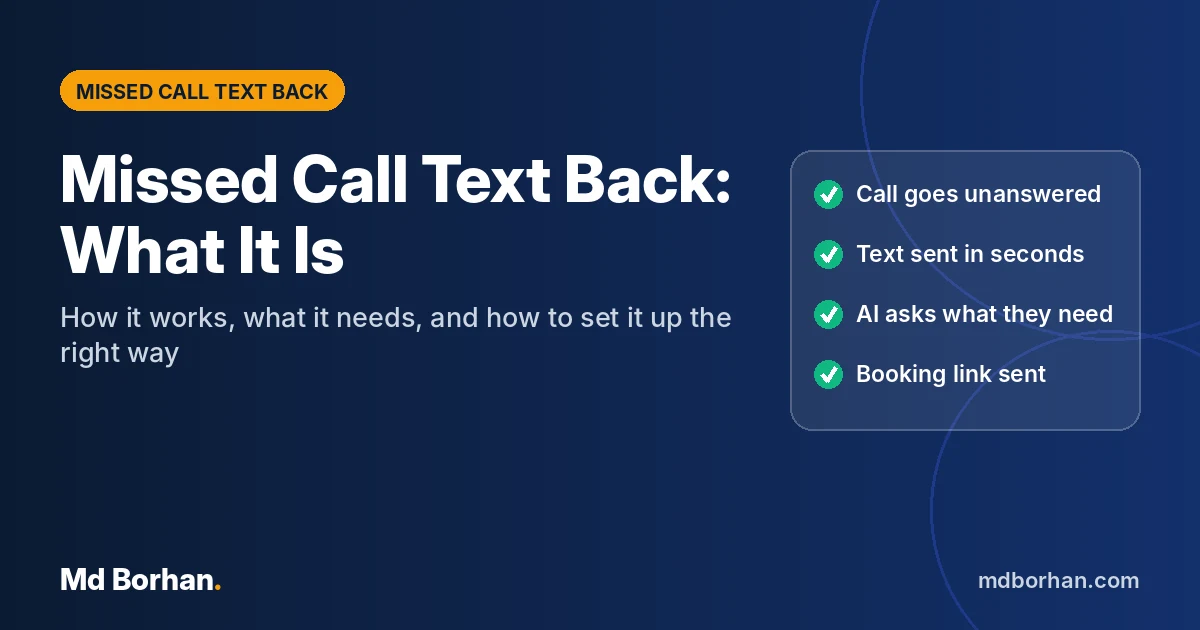
How it works, step by step
- The call is missed. Your phone system or a call-tracking number records an unanswered call, whether during business hours, at lunch or after closing.
- A text goes out within seconds. An automation sends a short message from the number the customer called.
- The customer replies. The reply can go to a team inbox, to your phone, or to an AI assistant that asks a couple of questions.
- The basics are collected. What do they need? How urgent is it? When suits them?
- They’re booked or routed. Routine requests get a booking link. Urgent ones alert a team member straight away.
- Everything is logged. The conversation and the outcome are saved in your CRM, so nobody has to ask the same questions twice.
What you need to set it up
A business number that can send texts
Your phone number needs to support sending text messages through a provider. Many VoIP and business phone services can do this. If yours can’t, a common approach is to use a call-tracking or SMS-enabled number that forwards calls to your existing phones and sends texts from that same number.
A way to detect missed calls
Most modern phone systems can trigger an action when a call is missed. That trigger starts the automation. Tools like n8n or Make can connect your phone provider to the rest of the system if there’s no built-in option.
Your messages
A first text, a follow-up for people who don’t reply, and an after-hours version. Keep them short and human.
Somewhere for replies to go
A shared inbox, your CRM, or an AI assistant that handles the first few questions and books the appointment.
US text registration
In the US, business texting from a standard 10-digit number needs A2P 10DLC brand and campaign registration through your SMS provider. Unregistered messages can be filtered or blocked by carriers. Most providers walk you through it.
Example messages you can adapt
General:
“Hi, this is [Name] at [Business]. Sorry we missed your call. What can we help with? Reply here and we’ll get back to you fast.”
Appointment-based business (clinic, salon, studio):
“Thanks for calling [Business]! We’re with a client right now. Want to book a time? Here’s our calendar: [link]. Or reply with your question.”
Professional services (law, accounting):
“Thank you for calling [Firm]. We couldn’t take your call just now. Please reply with a brief note about what you need and the best time to reach you, and we’ll be in touch shortly.”
After hours:
“Thanks for calling [Business]. We’re closed right now but you can book a time for tomorrow here: [link]. Reply STOP to opt out.”
Compliance basics
Texting someone who has just called you is generally treated as a conversational reply, but you should still follow good practice:
- Keep messages related to their call. Don’t add them to marketing lists without consent.
- Honour opt-outs immediately. STOP, UNSUBSCRIBE and similar replies should end all messages, and follow-up texts should include opt-out wording.
- Register for business texting in the US (A2P 10DLC), and follow the consent guidance in carrier rules such as the CTIA Messaging Principles and Best Practices.
- Check local rules in Canada (CASL) and the UK (PECR and UK GDPR) before sending anything promotional.
This is general information, not legal advice.
Common mistakes to avoid
- Texting from a different number than the one the customer called, which looks like spam.
- A message that doesn’t say who you are.
- Asking for too much in the first text.
- No plan for urgent replies, so an emergency waits in a queue.
- No follow-up when the customer doesn’t reply.
- Replies that land in an inbox nobody checks.
Who benefits most
Missed call text back helps any business that gets new customers by phone and can’t always answer, especially home services, auto repair shops, dental practices and med spas, and law firms. If you’d like to know how many calls you’re missing in the first place, read why your business keeps missing calls.
Try it yourself
See what your customers would experience. Try the 60-second live demo, start the timer and see how fast the reply arrives.
Summary
- Missed call text back sends an automatic text within seconds whenever a call isn’t answered.
- You need a text-capable business number, a missed-call trigger, short messages and a place for replies to go.
- Keep messages short, identify your business, route urgent replies to a person, and follow up.
- Honour opt-outs and register for business texting in the US.
Free: The 5-Minute Lead Response Scorecard
Ten quick yes/no checks to find out where your business is losing leads, from missed calls to slow follow-up.
Related reading: AI appointment booking: what it can and can’t do yet.